
Every Camera, Recorded and Searchable.
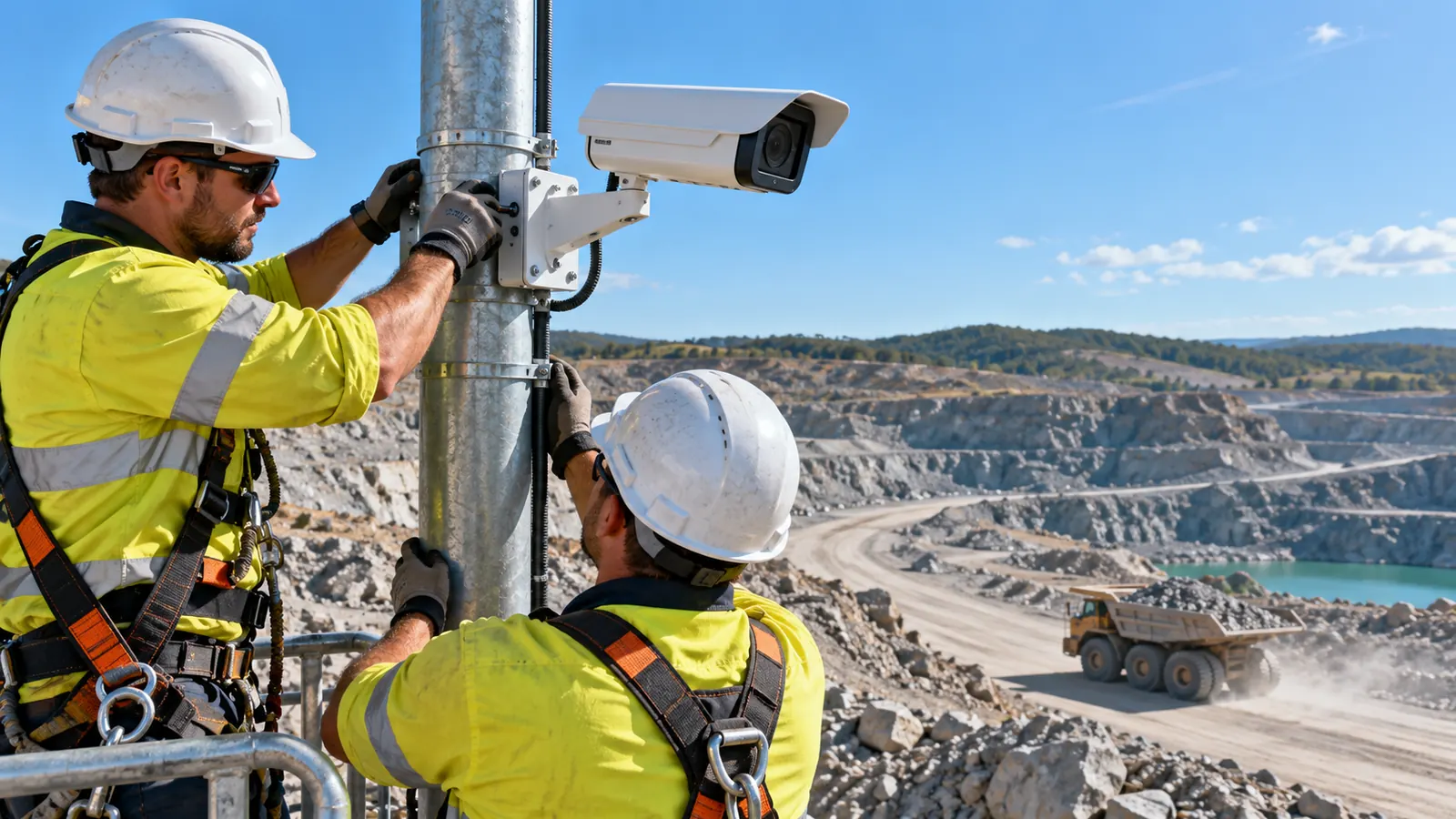
Add ONVIF or RTSP cameras to the AI Vision Bot and it records them like a network video recorder, with clips for every event and a timeline you can scrub from the browser.

Which Cameras Work With AI Vision Bots?
ONVIF cameras can be found by a search of the site network, and any camera with an RTSP address can be added by hand. Camera passwords are sealed to the AI Vision Bot and never shown again in readable form.
| Camera Feature | What Is Supported |
|---|---|
| Find cameras | ONVIF search on the site network, with the ONVIF sign in typed once per search |
| Any camera | Any camera that gives an RTSP address, main and sub stream |
| Transport | TCP, UDP or auto, with automatic reconnect and camera offline events |
| Sign in | Basic, MD5 Digest and SHA-256 Digest |
| Video | H.264 recorded as it arrives, without re-encoding |
| Pan, tilt and zoom | ONVIF control with presets and home, and a hard stop so a lost move cannot run on |
| Audio | Kept in recordings and played in the browser. Talk back is not available. |
Does AI Vision Bots Replace an NVR?
Yes, it is built to. Each camera can record continuously, on events, on a schedule or on motion, and you choose how long to keep it.
- 24/7 continuous recordingThe main stream is copied into short segments with no re-encoding, so recording costs little computer power.
- Event clips with pre and post rollEvery event keeps a snapshot and a clip that starts before and ends after the moment it fired.
- Schedules and motionRecord all day, only in working hours, only on motion or only on events, per camera.
- Retention you setKeep footage for a number of days or up to a size, per camera and per AI Vision Bot. A reserve stops the disk from ever filling.
- Timeline playback and exportScrub a day of footage on a timeline in the browser and export a clip as MP4.
- Where footage livesPer AI Vision Bot: keep video on site with a thumbnail in the cloud, or upload clips to AiServa.
Many Cameras on One Screen
A multi camera wall shows live tiles side by side, each marked Direct or Relayed. Click a tile for full screen, PTZ and audio.
Cameras and NVR: Short Answers.
Which cameras work with AI Vision Bots?
ONVIF cameras found by search and any camera that gives an RTSP address, over TCP, UDP or auto, with Basic, MD5 Digest or SHA-256 Digest sign in.
Does it record 24/7?
Yes. Continuous recording copies the camera stream without re-encoding. Event, schedule and motion recording are also available per camera.
How long is footage kept?
As long as you set: a number of days or a size per camera and per AI Vision Bot. Old footage is overwritten in a loop and a disk reserve is always kept free.
Can I export a clip?
Yes. Pick a range on the timeline or open an event and export it as an MP4 file.
Can I listen to audio?
Yes, audio from the camera is kept in recordings and can be played in the browser. Talking back through the camera is not available.
Keep Exploring

Detections and Models
Trained models with their classes, on the bot or on AiServa.
Read more
Rules and Automation
Rules, jobs, workflows and an AI assistant that writes them.
Read more
Live View
WebRTC straight from the site, relay only when needed, PTZ.
Read more
Security
Signed updates and config, sealed passwords, audited remote access.
Read moreShow Us One Camera. We Will Show You What AI Can See.
AI Vision Bots is available at selected sites. Send a short clip from your site and one sentence on the problem, and the VYROX AI team will tell you what a Detection could do there.