
Managed From the Cloud, Controlled at the Site.
Every step from pairing to updates is signed or checked, camera passwords are sealed to the computer that uses them, and site staff can switch remote access off.
How Is a New AI Vision Bot Trusted?
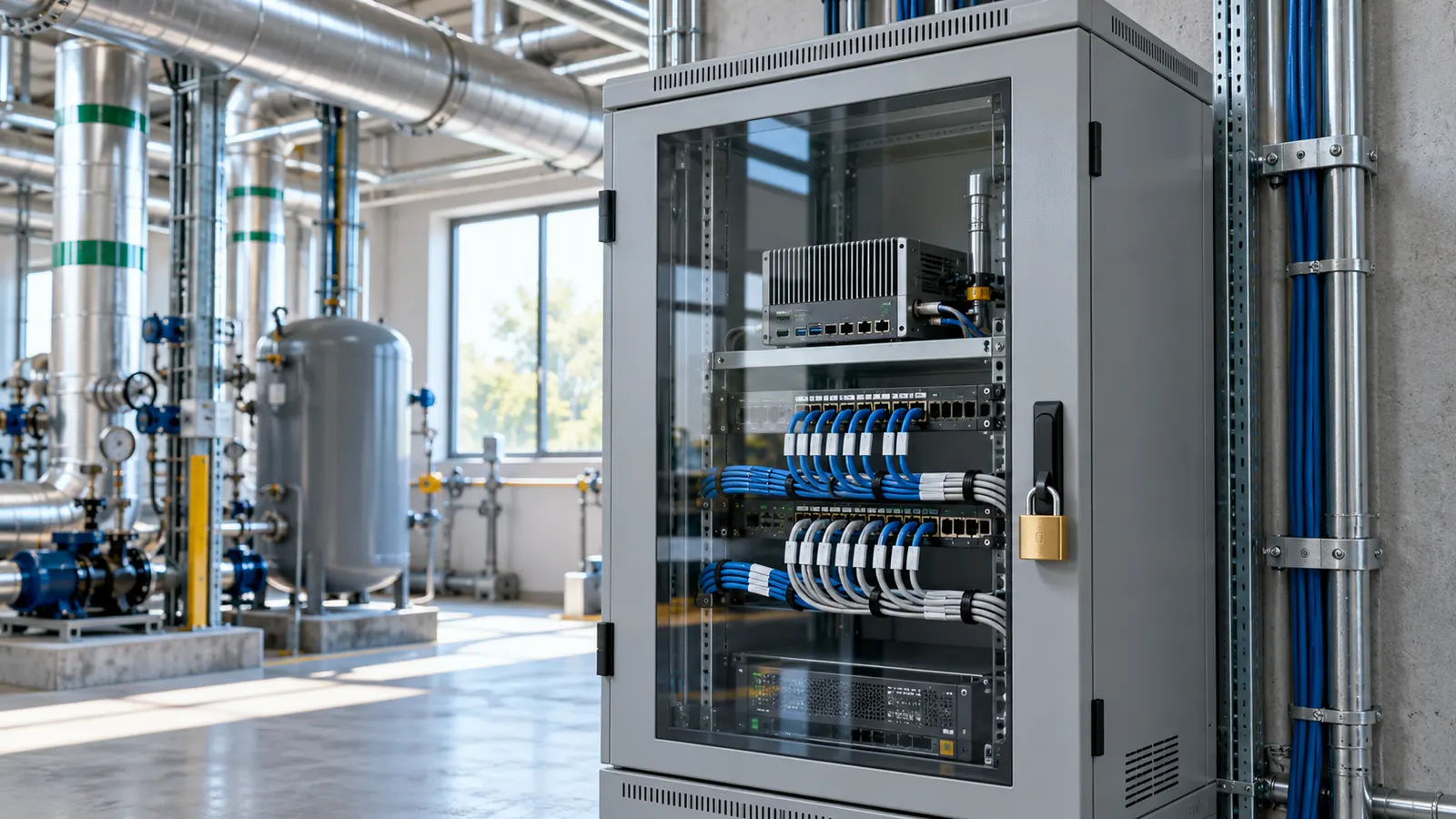
The pairing code works once and expires in minutes. The new computer then shows a six digit approval code that a person confirms on AiServa, so a leaked code on its own cannot add a computer. After that the AI Vision Bot uses its own key pair and signs every request.
Manage the Computer Remotely, Keep the Control on Site.
Open a Terminal or Remote Desktop on the AI Vision Bot from AiServa, with a switch on site that cuts it off and a record of every session.

- Terminal and Remote DesktopThe same tools used for AiServa servers, opened from the AI Vision Bot page. Remote Desktop is a direct peer to peer WebRTC link.
- Separate permissionA person needs the remote access right for the AI Vision Bot and console access for its organisation. By default nobody holds it.
- On site off switchSite staff can switch remote access off on the computer itself. While it is off, the AI Vision Bot refuses every Terminal and Remote Desktop request.
- AuditEvery session open, close and refusal is recorded and shown in the AI Vision Bot Logs tab.
- Camera passwords stay sealedThey never appear in a Terminal session.
Security Built In

- Signed updatesUpdates are signed with a release key and checked before they install. A bad signature is refused.
- Sealed camera passwordsCamera passwords are sealed to the AI Vision Bot and are not stored in readable form on AiServa.
- Single use pairing codeThe pairing code works once and expires in minutes.
- Approval codeA six digit code on the new computer is confirmed on AiServa before it joins.
- Audit logPairing, remote sessions and setting changes are recorded.
- Organisation boundaryEvery request is checked against your organisation, and secrets never travel on a command line.
Edit on AiServa or on the AI Vision Bot, Both Stay in Step.
Every setting can be changed from either side. AiServa is the record, and the AI Vision Bot keeps a signed copy so it keeps running when the internet does not.

- Edit on either sideChange a camera, a Detection or a setting on AiServa, or on the AI Vision Bot itself. The other side receives it within seconds.
- Signed configurationAiServa signs each version of the configuration. The AI Vision Bot checks the signature before it applies it.
- History and restoreEach change is kept with who made it, from which side and when, so an earlier value can be restored.
- Conflict noticesIf the same field is changed on both sides while they are apart, the later save wins, the earlier value stays in history, and the person whose change was replaced gets a notice.
- A visible Synced badgeEach AI Vision Bot and each setting shows Synced, Pending, Conflict resolved or Out of sync, with a Resync button.
- Offline queueWhen the site is offline, changes made on the AI Vision Bot wait in a queue and replay in order when it reconnects.
Passwords are the exception: they are never synced as readable text. A password set on the AI Vision Bot reaches AiServa only as a sealed value.
Security: Short Answers.
Can someone open my AI Vision Bot without me knowing?
Terminal and Remote Desktop need a separate right, can be switched off on the computer itself, and every session open, close and refusal is recorded in the audit log.
Who can see camera passwords?
Nobody in readable form. They are sealed to the AI Vision Bot, never shown in the app and never appear in a Terminal session.
How are updates protected?
Updates are signed with a release key and checked before they install. A bad signature is refused and the previous version is kept for rollback.
What happens if the site loses internet?
The AI Vision Bot keeps running from its last signed configuration. Changes and events wait in a queue and are sent in order when it reconnects.
Is the configuration versioned?
Yes. Every change is kept with who made it, from which side and when, and an earlier value can be restored.
Keep Exploring

Cameras and NVR
ONVIF and RTSP cameras, 24/7 recording, clips and timeline playback.
Read more
Detections and Models
Trained models with their classes, on the bot or on AiServa.
Read more
Rules and Automation
Rules, jobs, workflows and an AI assistant that writes them.
Read more
Live View
WebRTC straight from the site, relay only when needed, PTZ.
Read moreShow Us One Camera. We Will Show You What AI Can See.
AI Vision Bots is available at selected sites. Send a short clip from your site and one sentence on the problem, and the VYROX AI team will tell you what a Detection could do there.