
Cameras That See. AI That Understands.
AI Vision Bots turns the cameras you already have into Detections, recordings and actions. Pair one computer at your site with a single command, add ONVIF or RTSP cameras, run models trained on your own footage, and let rules tell the right people and systems what happened.
What Is AI Vision Bots?
AiVisionBot is AI computer vision by VYROX AI in Malaysia. Its app, AI Vision Bots, pairs a computer at your site with one command, connects your ONVIF or RTSP cameras, runs trained Detections, records like an NVR and acts on events with rules and alerts. It is managed from AiServa and is available at selected sites, by enquiry.
- One command pairs a Mac, Linux or Windows computer, GPU optional
- ONVIF search and any RTSP camera
- Detections on the AI Vision Bot or on AiServa
- Full NVR: 24/7 recording, clips, timeline, export
- Rules, jobs and an AI assistant that writes them
- Signed updates, sealed passwords, audited remote access

Explore a Quarry Site, Then Move Around It.
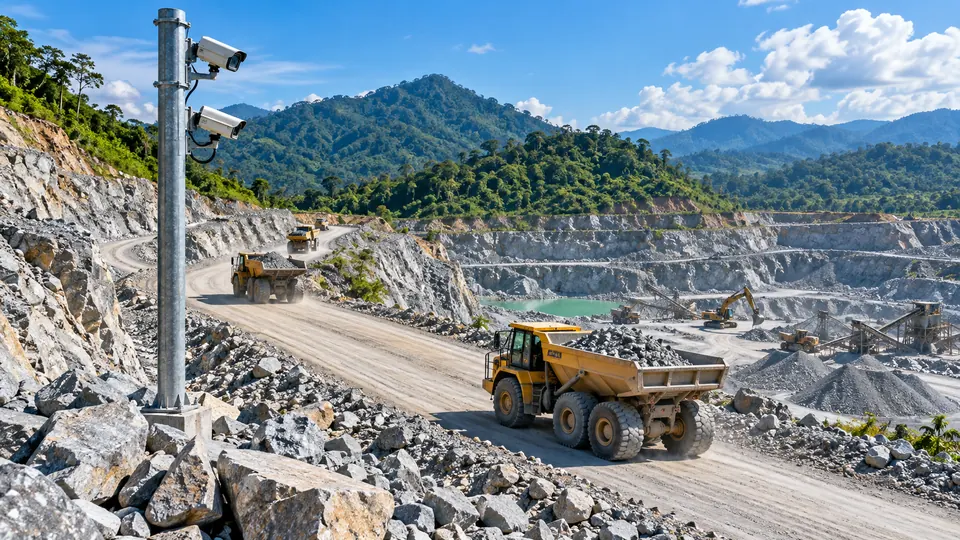
Three cameras watch the haul road, the crusher and the tipping pad. The AI Vision Bot in the site office runs the Detections: trucks loaded or empty, trucks tipping, and a person who steps onto the tipping pad. Drag to orbit, right drag or two fingers to pan, scroll or pinch to zoom.
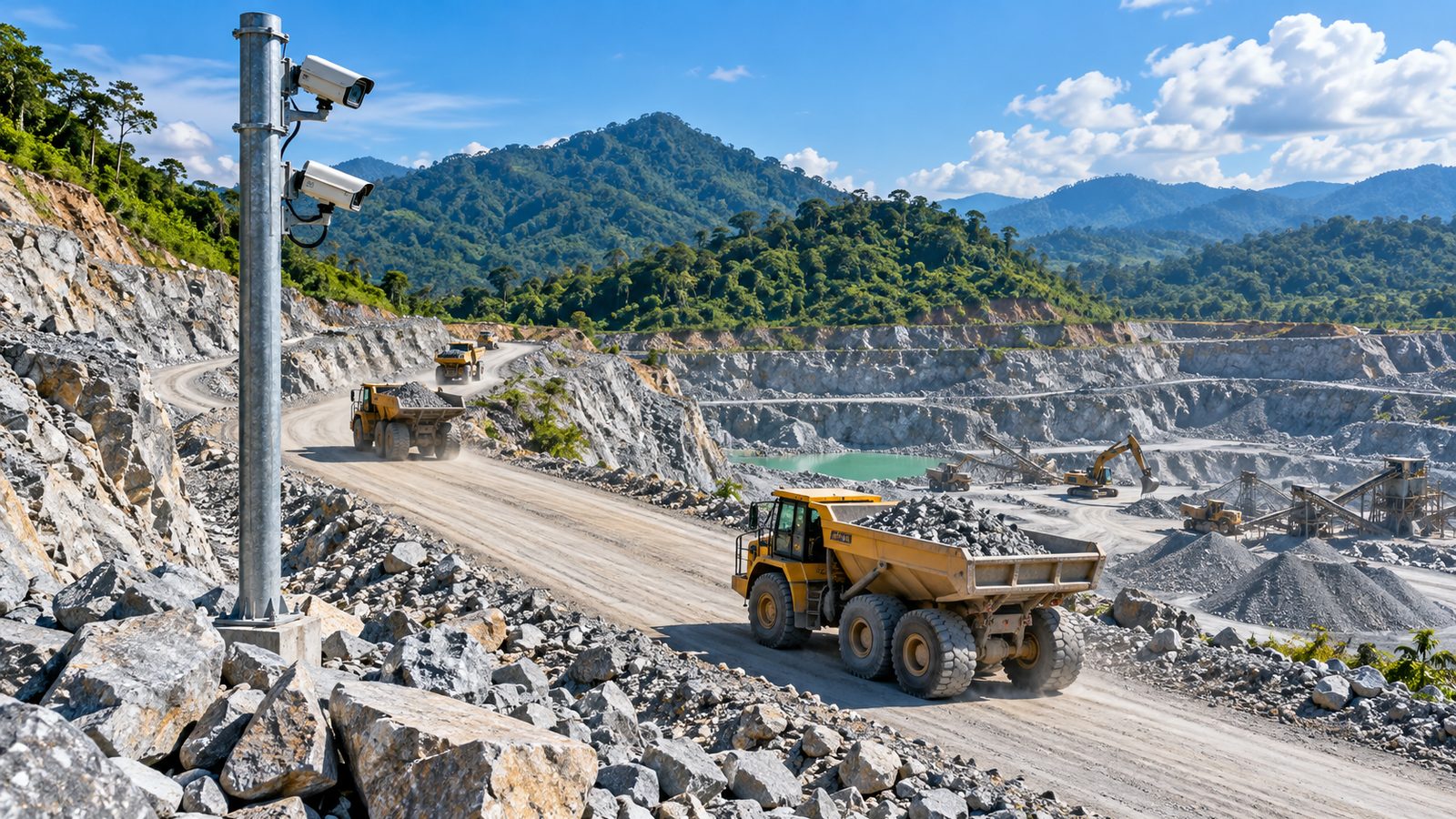
A simulation made to explain how it works. Boxes and counts come from the simulation, not from a trained model.
Every Camera, Every Event, One Screen.
This is the AI Vision Bots app, running against sample data from a quarry site. Click the tabs.
Good afternoon. 148 events since midnight, 3 are waiting for a person.
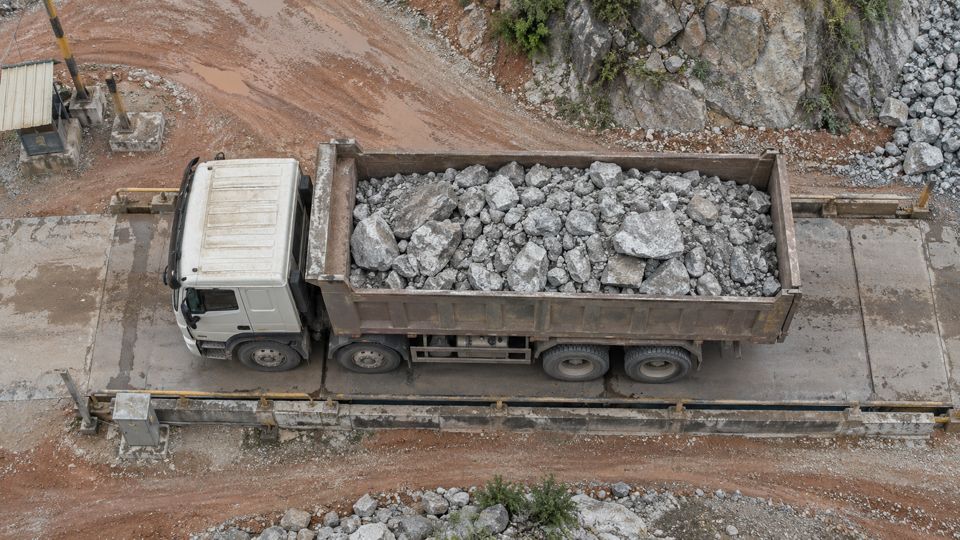
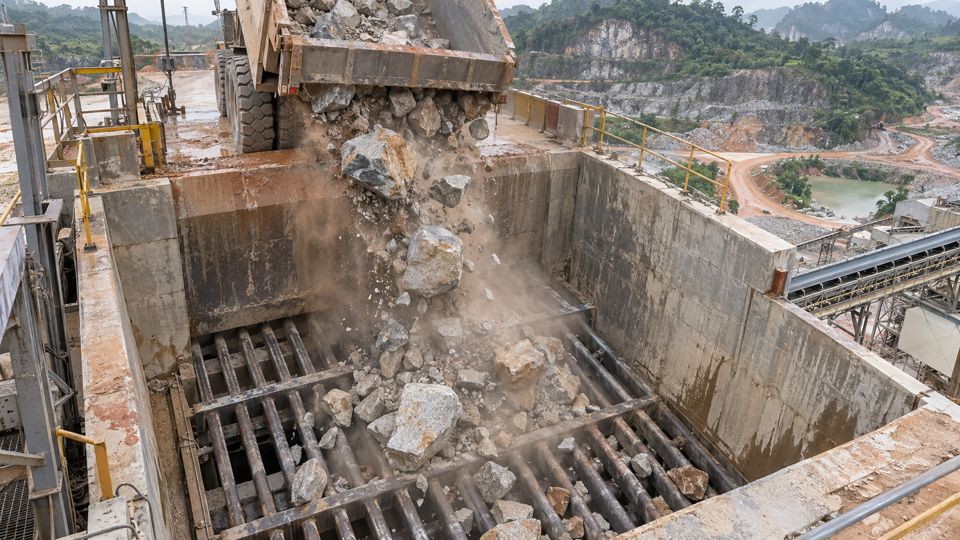
 Rock flow rock flow Crusher FeedHighClip savedTruck tipping truck tipping Tipping BayInfoCarryback carryback Haul RoadMediumClip savedDump truck dump truck Weighbridge InInfoPerson person Crusher zone · acknowledged by AmirHigh
Every event keeps its clip with pre-roll, so the two minutes before the trigger are already on disk.
ONVIF search or any RTSP address. The AI Vision Bot records 24/7 and keeps working from its last signed configuration if the internet drops.
34 tip events between 06:00 and 14:07. The busiest hour was 09:00 with seven. One rock flow flag at 09:41 came from the same camera — it may have been spilled material. Want the clip?
Tip events per hour, 06:00 to 14:07 · 34 in total
A working demo with sample data, not a live site. The screens, words and numbers match the app; the cameras, events and answers here are invented for the quarry example.
A Shift, in Forty Seconds.
Six steps, no narration. Press play, or step through it yourself.
34 tip events between 06:00 and 14:07. The busiest hour was 09:00 with seven. One rock flow flag at 09:41 came from the same camera — it may have been spilled material. Want the clip?
Two minutes of material. Clip saved, 09:41.
Frames stay on your site.
Nothing leaves unless you switch on AI pictures.
Signed configuration, an on-site off switch for remote access, and an audit log of every action.
See it on your site AI Vision Bots by VYROX AI · Kuala LumpurA simulation of one shift, made to show the screens. The Detections, events and answers here are an illustration, not a recording of a real site.
Everything a Site Needs, in One App.
AI Vision Bots is the AiServa app that runs your cameras. The AI Vision Bot is the computer at your site that does the work.
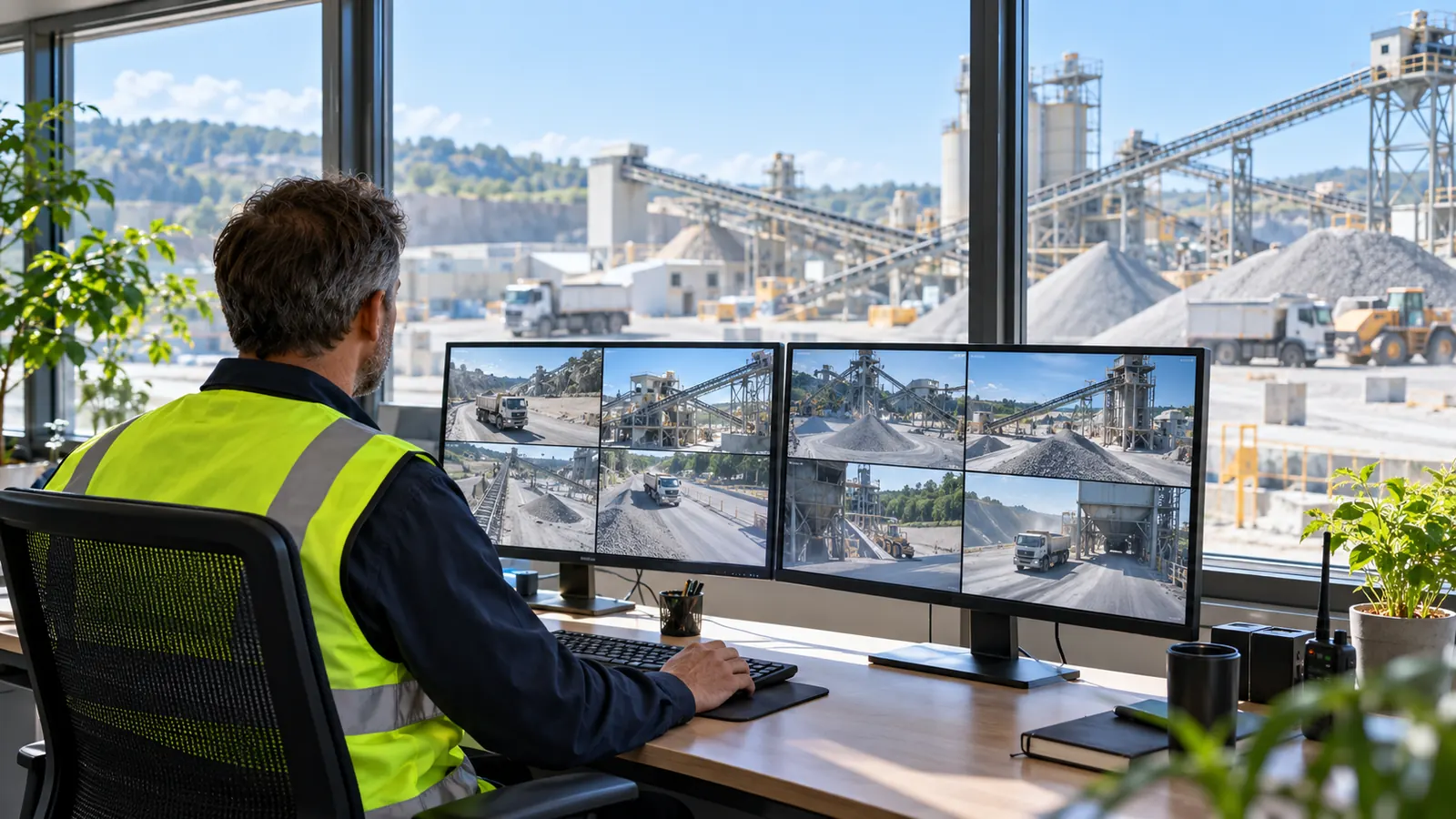
Cameras and NVR
ONVIF and RTSP cameras, 24/7 recording, clips and timeline playback.
Read more
Detections and Models
Trained models with their classes, on the bot or on AiServa.
Read more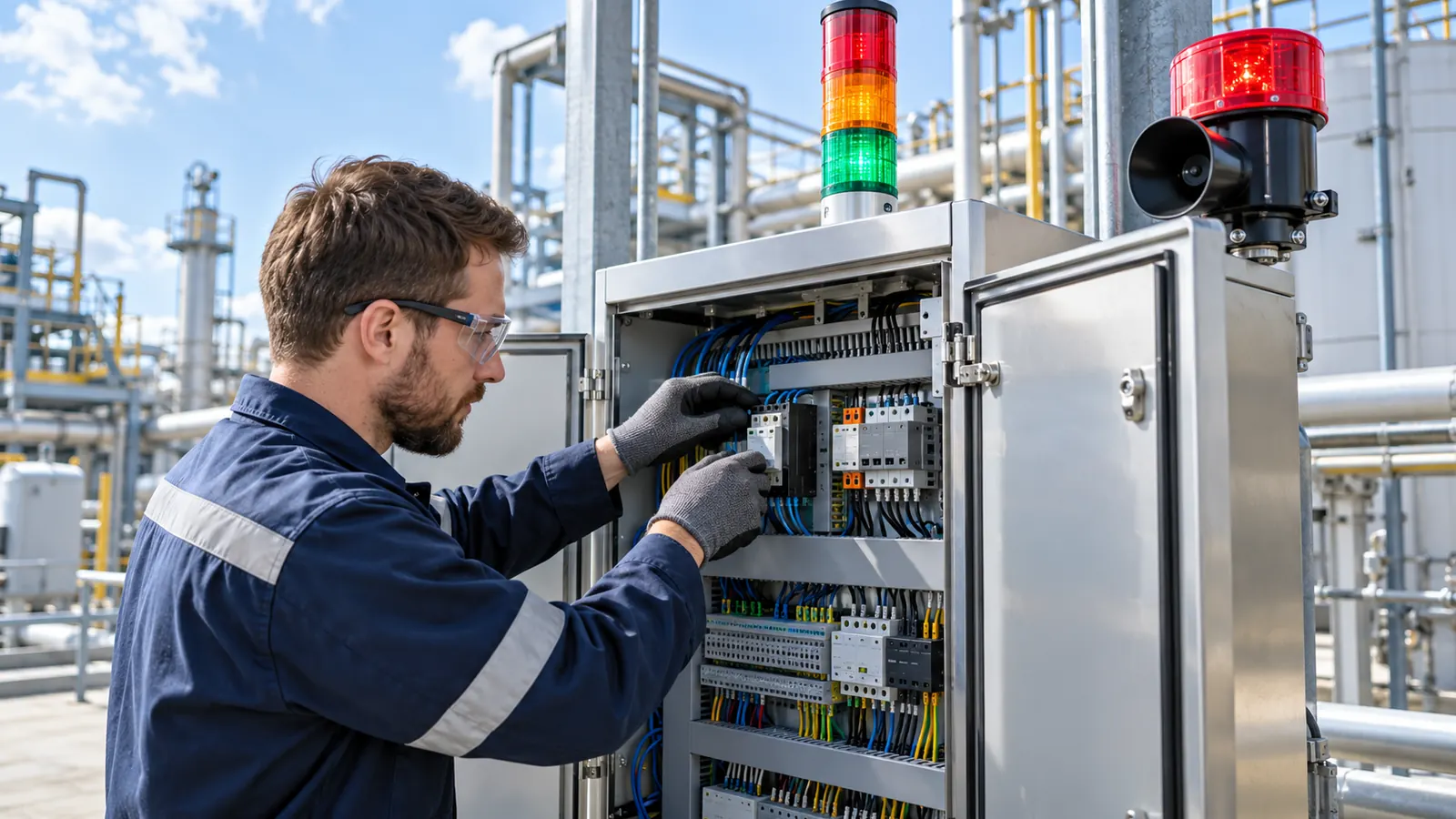
Rules and Automation
Rules, jobs, workflows and an AI assistant that writes them.
Read more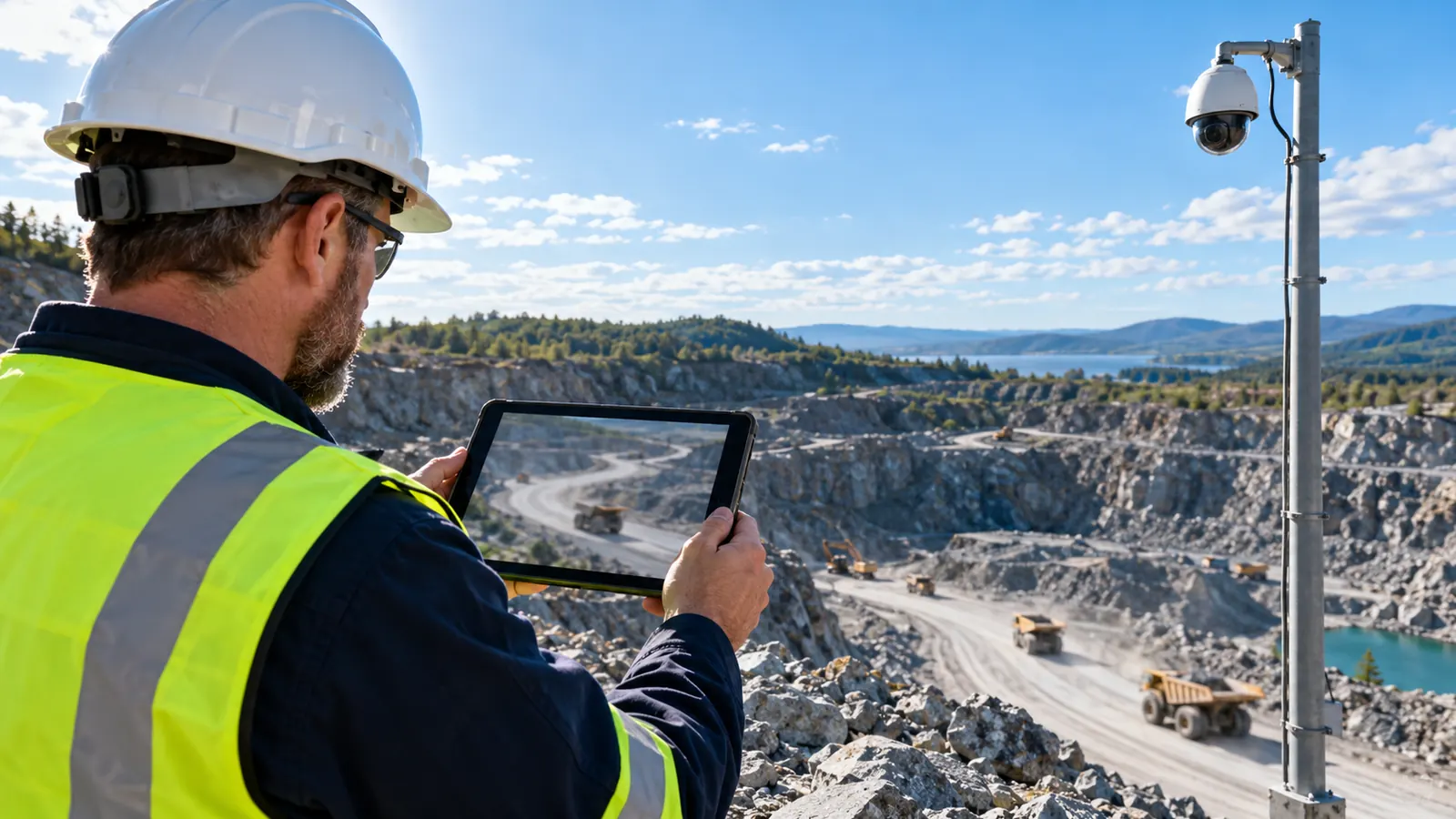
Live View
WebRTC straight from the site, relay only when needed, PTZ.
Read more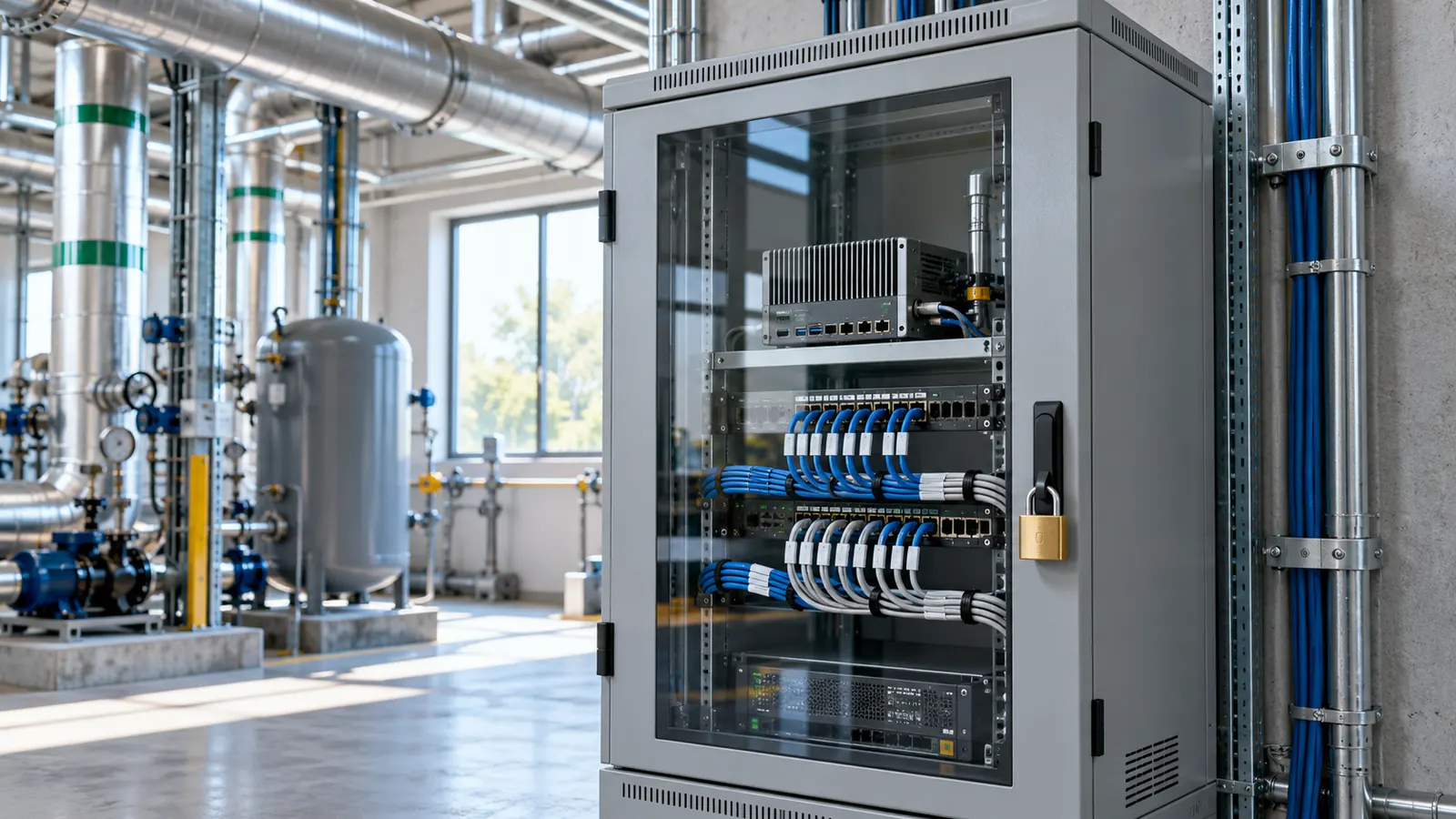
Security
Signed updates and config, sealed passwords, audited remote access.
Read moreFrom a Box on a Shelf to Cameras You Can Act On.
Pair With One Command
Choose Add AI Vision Bot in AiServa, run the short command on the site computer and confirm the six digit approval code.
Add Cameras
Search the site network for ONVIF cameras or type any RTSP address. Passwords are sealed to the AI Vision Bot.
Run Detections
Pick a trained model and its classes, set thresholds and zones, and run it on a camera.
Watch, Record and Act
Live view, 24/7 recording and rules that notify people, call webhooks, publish MQTT or switch a relay.
Forty Five Use Cases, Each With a 3D Demo.
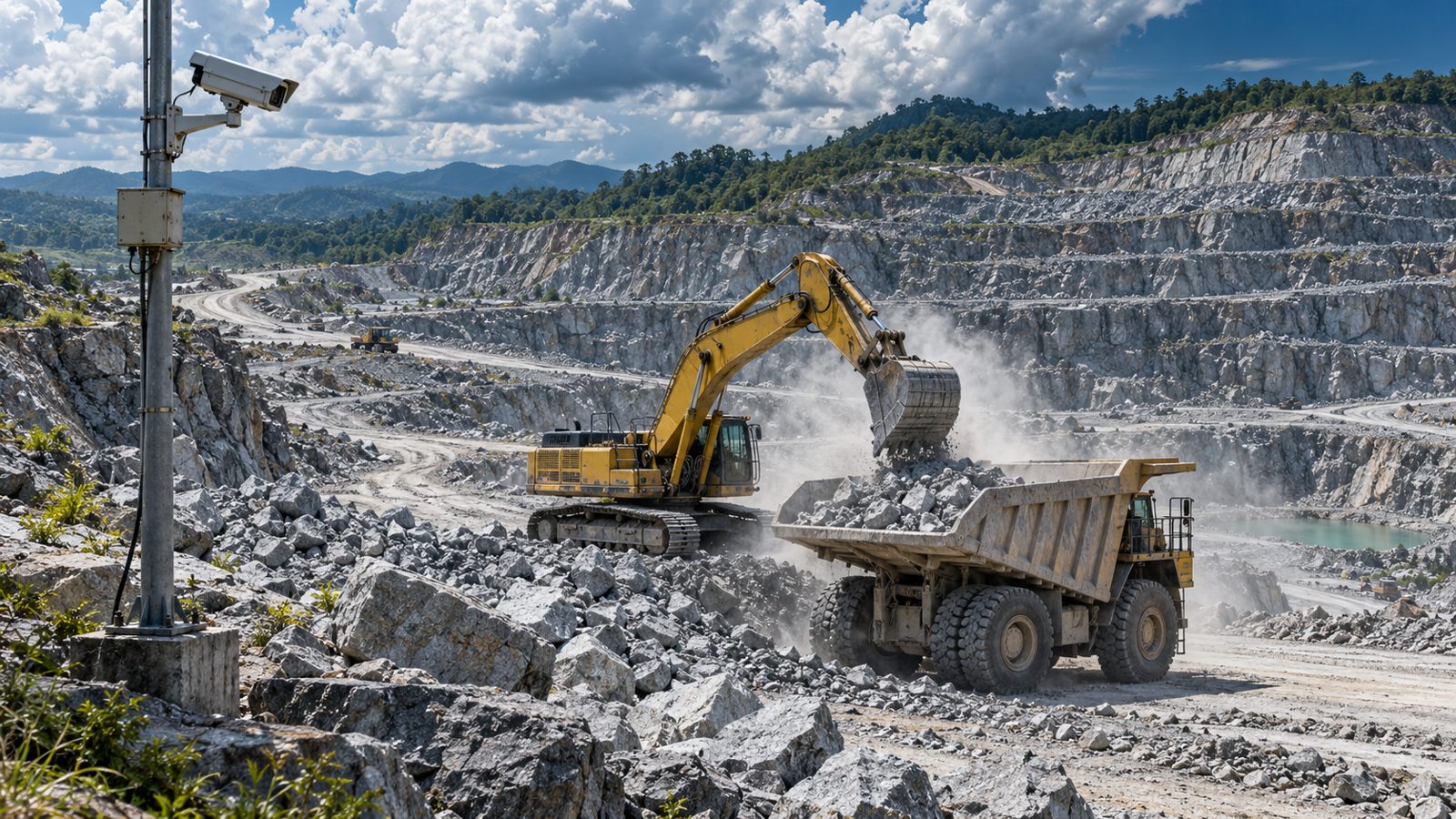
From dump trucks and crushers to conveyors, livestock, PPE and early fire warning. Each one has generated site photos with example detections and a 3D simulation you can move around.
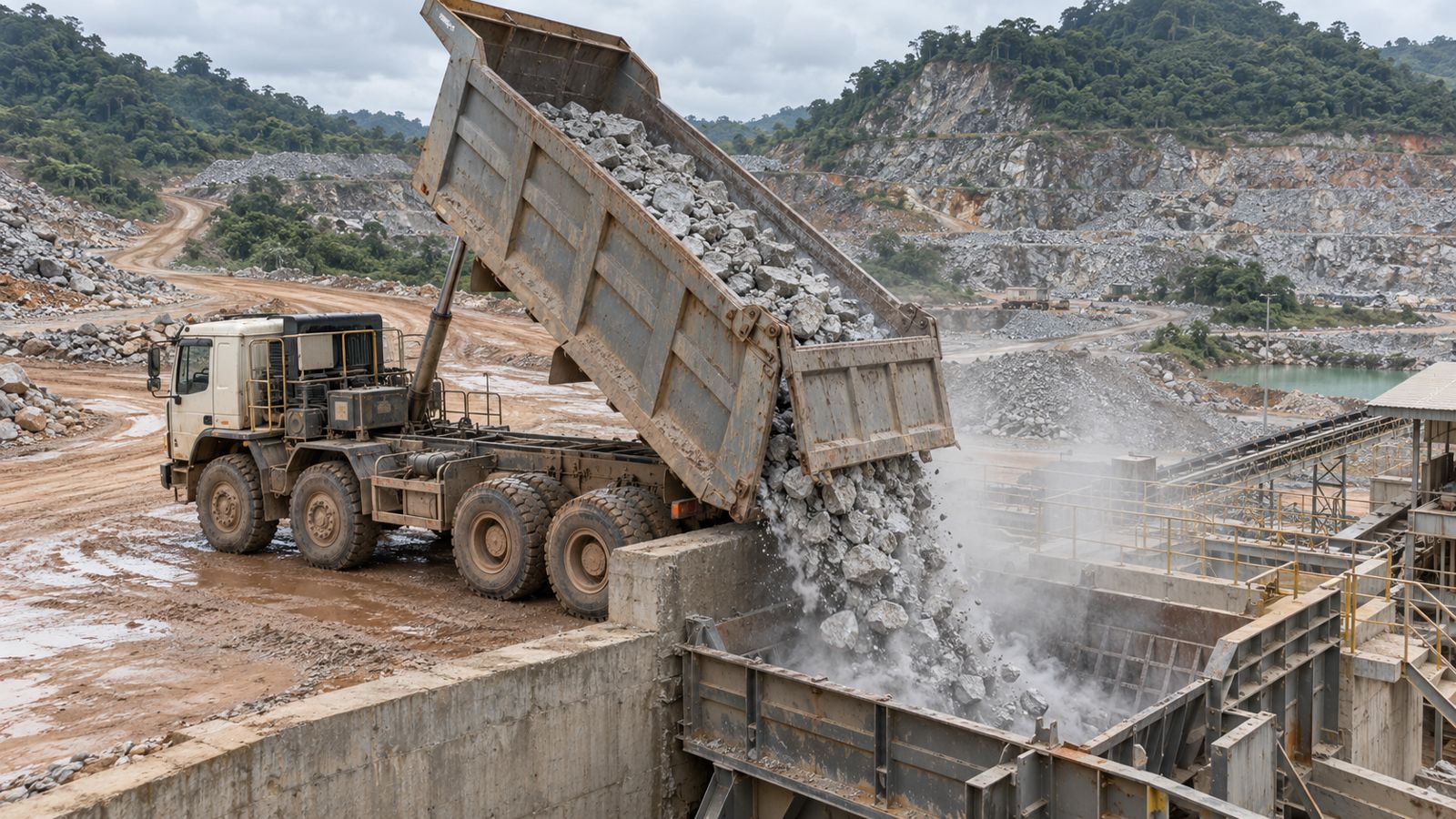 Quarry and Heavy Plant · PrototypeDump Truck Payload and DumpingEvery load accounted for at the crusher.
 Safety and HealthConstruction Site PPE DetectionFewer injuries, audit ready proof.
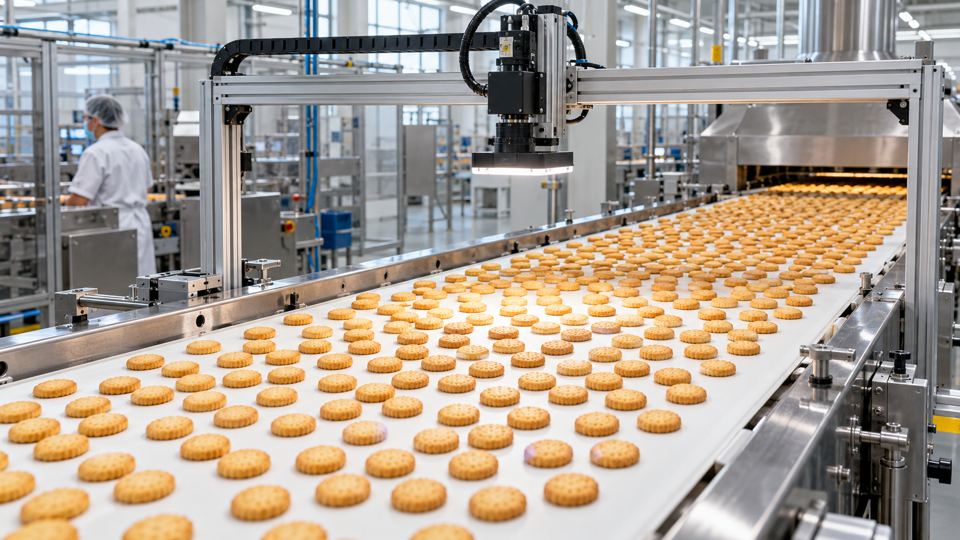 Manufacturing and LogisticsConveyor CountingLive output counts without a sensor per lane.
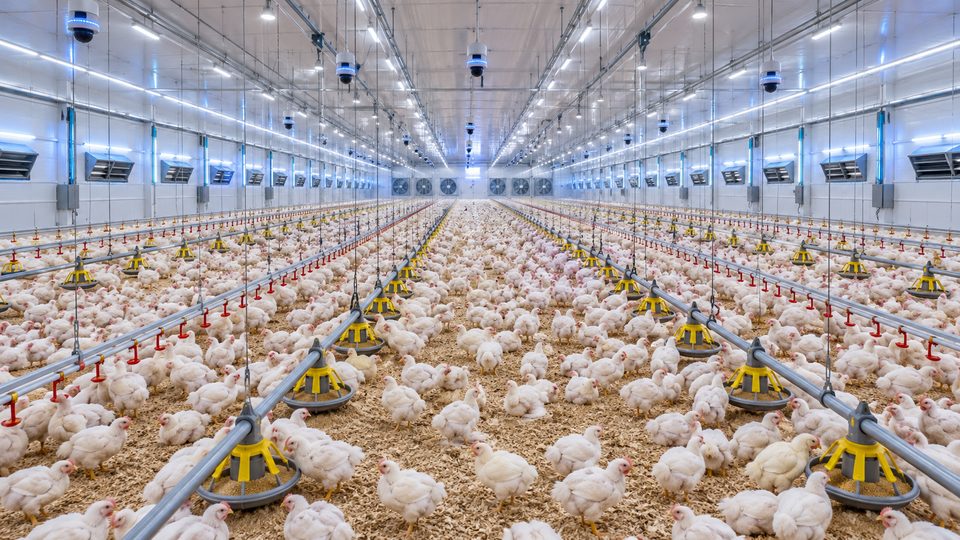 Agriculture and AquacultureBroiler Flock Counting and Density HeatmapEven flocks and fewer losses from crowding.
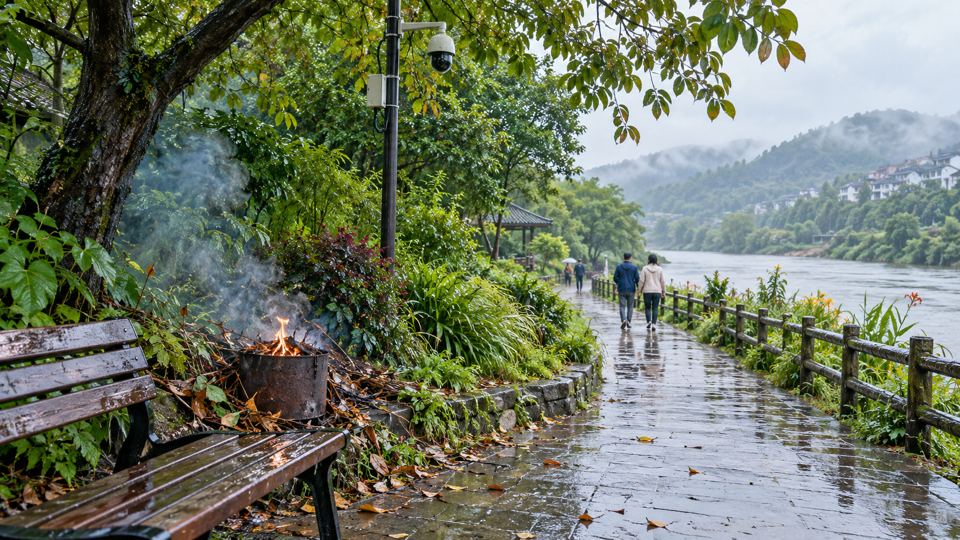 Fire and EnvironmentOutdoor Early Fire WarningSmall fires found before they spread.
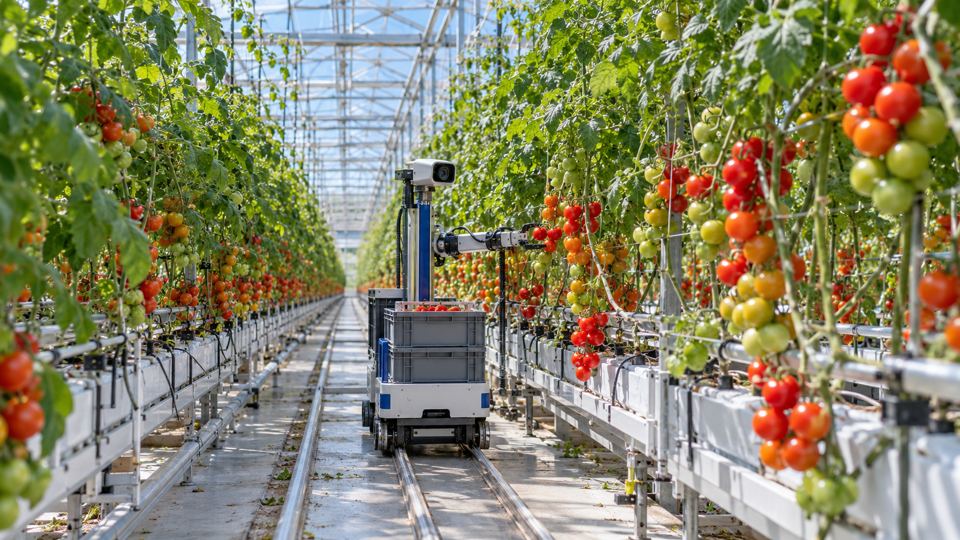 Agriculture and AquacultureTomato Detection and RipenessPick at the right day, less waste.
Built First for Quarry and Mining.
The first AI Vision Bots template is for quarries: trucks, payload, tipping pad safety and stockpiles. The same app serves factories, farms, safety teams and more.
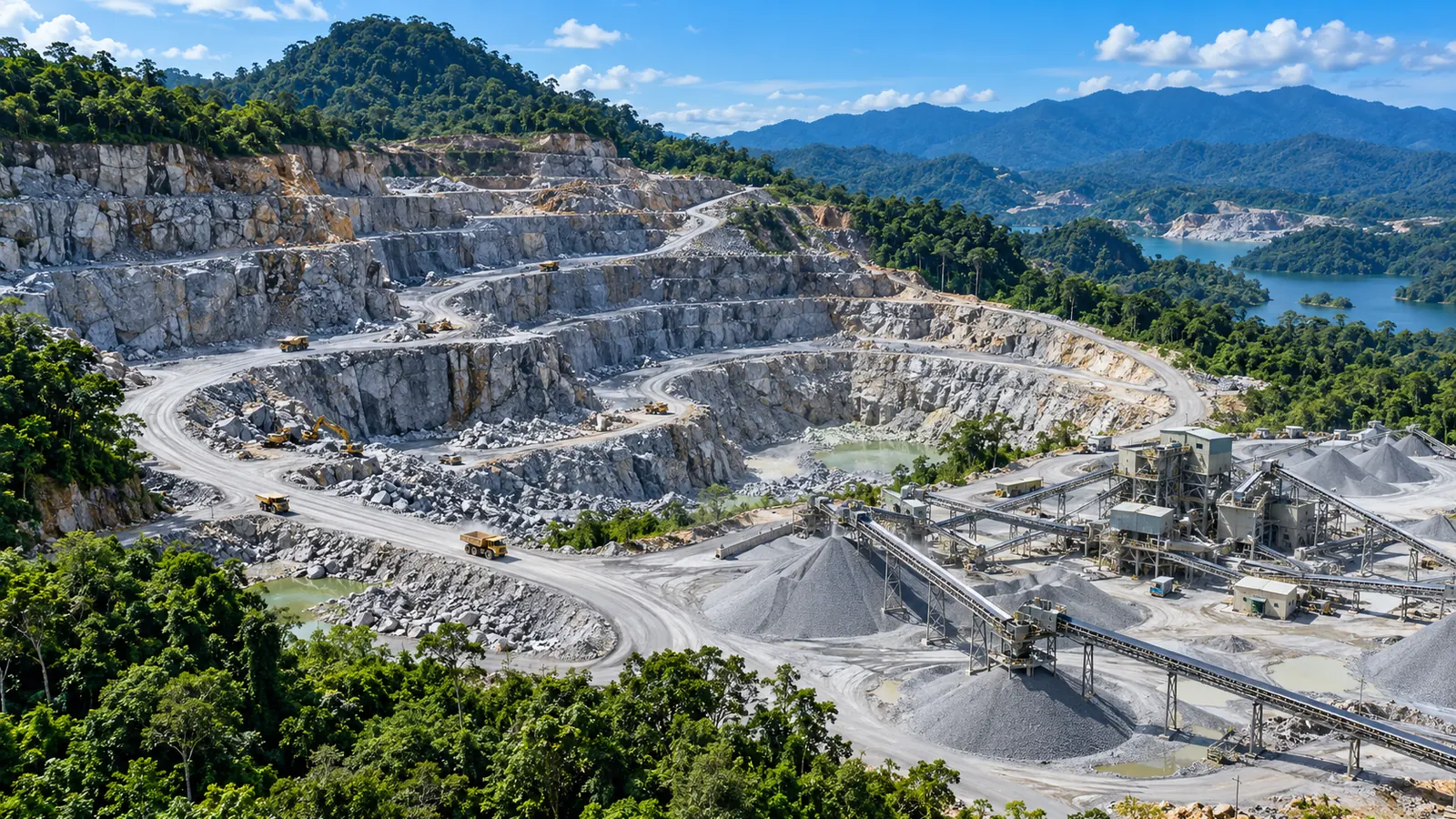
- Quarry and MiningDump truck payload and dumping, a person on the tipping pad, haul road traffic and stockpiles.
- Manufacturing and LogisticsCounting, quality checks, codes, meters and cracks.
- Agriculture and AquacultureLivestock counts, ripeness, seedlings and larvae.
- Safety and HealthPPE, danger zones, falls and early fire warning.
Questions People Ask First.
What Is AiVisionBot?
AiVisionBot is AI computer vision by VYROX AI in Malaysia. Its app, AI Vision Bots, pairs a computer at your site with one command, connects your ONVIF or RTSP cameras, runs trained Detections, records like an NVR and acts on events with rules and alerts. It is managed from AiServa and is available at selected sites, by enquiry.
What Is an AI Vision Bot?
The computer at your site that is paired to AiServa. It can be a Mac, a Linux computer or a Windows computer, with or without a GPU. It connects to the cameras, runs Detections, records video and keeps working from its last signed configuration if the internet drops.
What Is a Detection?
A Detection is a trained model with its classes and thresholds running on one camera. For example, a dump truck model with the classes truck, body load and person can run on a tipping pad camera. Each site chooses its own classes.
Show Us One Camera. We Will Show You What AI Can See.
AI Vision Bots is available at selected sites. Send a short clip from your site and one sentence on the problem, and the VYROX AI team will tell you what a Detection could do there.