
A Detection Is a Model, Its Classes, on a Camera.
Pick a trained model and the classes it should look for, set thresholds and zones, and run it on one camera. One camera can run more than one Detection.

What Is a Detection?
A Detection ties a model, its classes and its thresholds to one camera. Each hit becomes an event with a snapshot and a clip that rules and jobs can act on.
- ModelA built in model, or one you trained in AiServa AI Vision Models and sent to the AI Vision Bot.
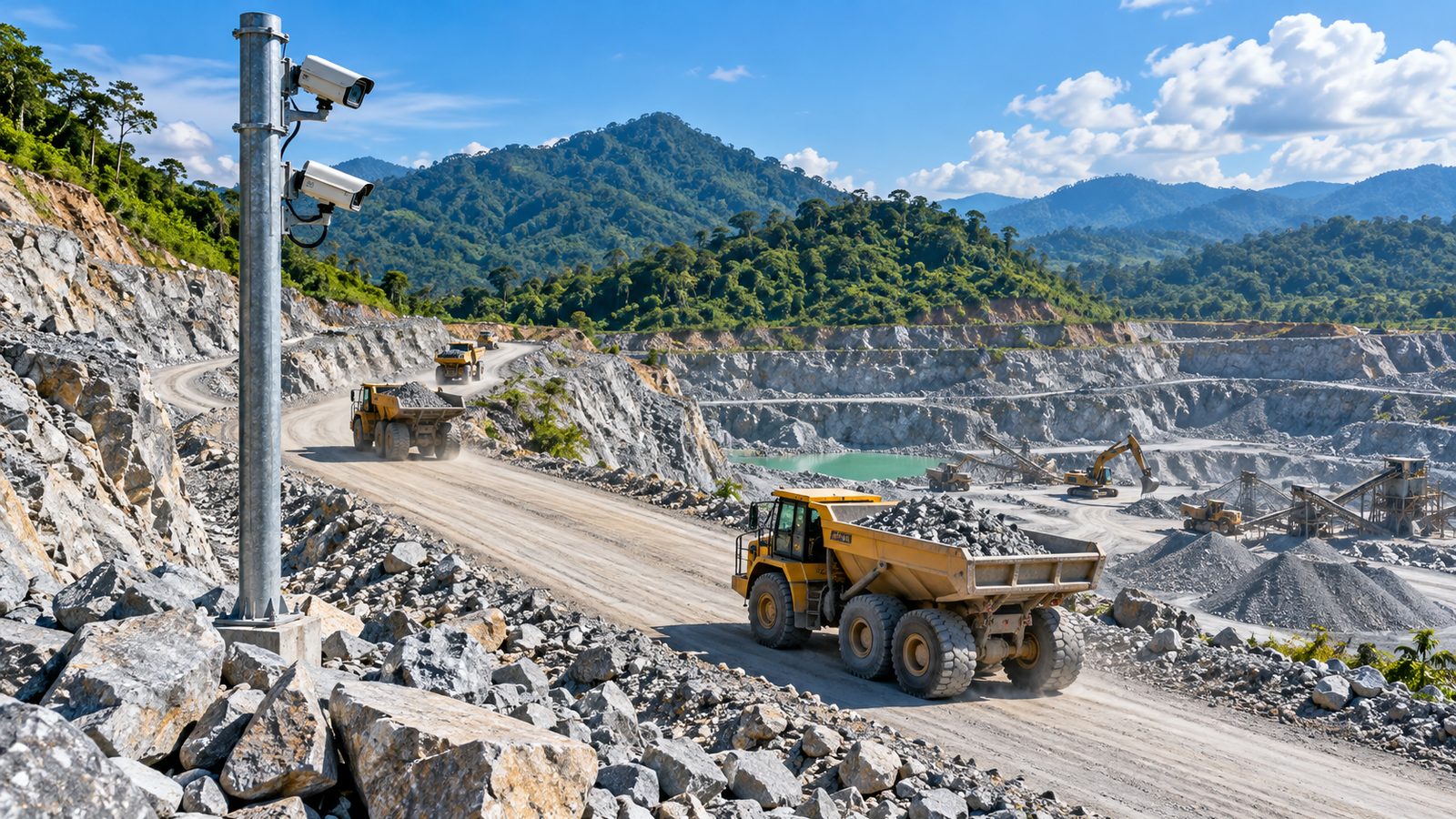
- ClassesThe things the model looks for. A tipping pad camera could run a dump truck model with the classes truck, body load and person. Each site chooses its own.
- Thresholds, zones and linesConfidence per class, zones drawn on the image, tripwire lines for counting and dwell time.
- Tracking and countersEach object keeps an ID, so counts, dwell time and line crossings are not double counted. Counters roll up by minute, hour and day.
Does the Model Run on Site or in the Cloud?
Either, chosen per AI Vision Bot.
On the AI Vision Bot
The model file is downloaded, its checksum is verified, and it runs on the site computer. The previous version is kept for rollback. Works offline and uses a GPU when there is one: NVIDIA, Apple or DirectML, or the CPU.
On AiServa
The AI Vision Bot sends frames to the model on AiServa. Useful when the site computer is small or a model is still being tried.
How Are Models Trained?
In the AiServa AI Vision Models app, on your own GPU server. You label images from your cameras, train, review the errors and train again. The trained model is then given to the AI Vision Bot.
- Your data stays yoursTraining runs on a GPU server your organisation added to AiServa.
- Dump truck modelThe first template: a dump truck model trained for a quarry crusher with seven classes, shown as a prototype until site trials publish accuracy.
- A scheduler for many camerasFrames from several cameras share one model fairly, and stale frames are dropped instead of building a delay.
3D digital twin, a simulation. Drag to orbit.
Detections and Models: Short Answers.
What is a Detection?
A trained model with its classes and thresholds running on one camera. One camera can run several Detections.
Can I use my own trained model?
Yes. Models trained in AiServa AI Vision Models can be given to an AI Vision Bot and run as Detections.
Do I need a GPU?
No. A GPU makes Detections faster and lets one computer serve more cameras, but the AI Vision Bot also runs on the CPU.
Does detection work without internet?
Yes, when the model runs on the AI Vision Bot. Events wait in a queue and are sent in order when the connection returns.
How accurate is the dump truck model?
It is a prototype. Accuracy figures will be published after site trials, measured on that site.
Keep Exploring
Cameras and NVR
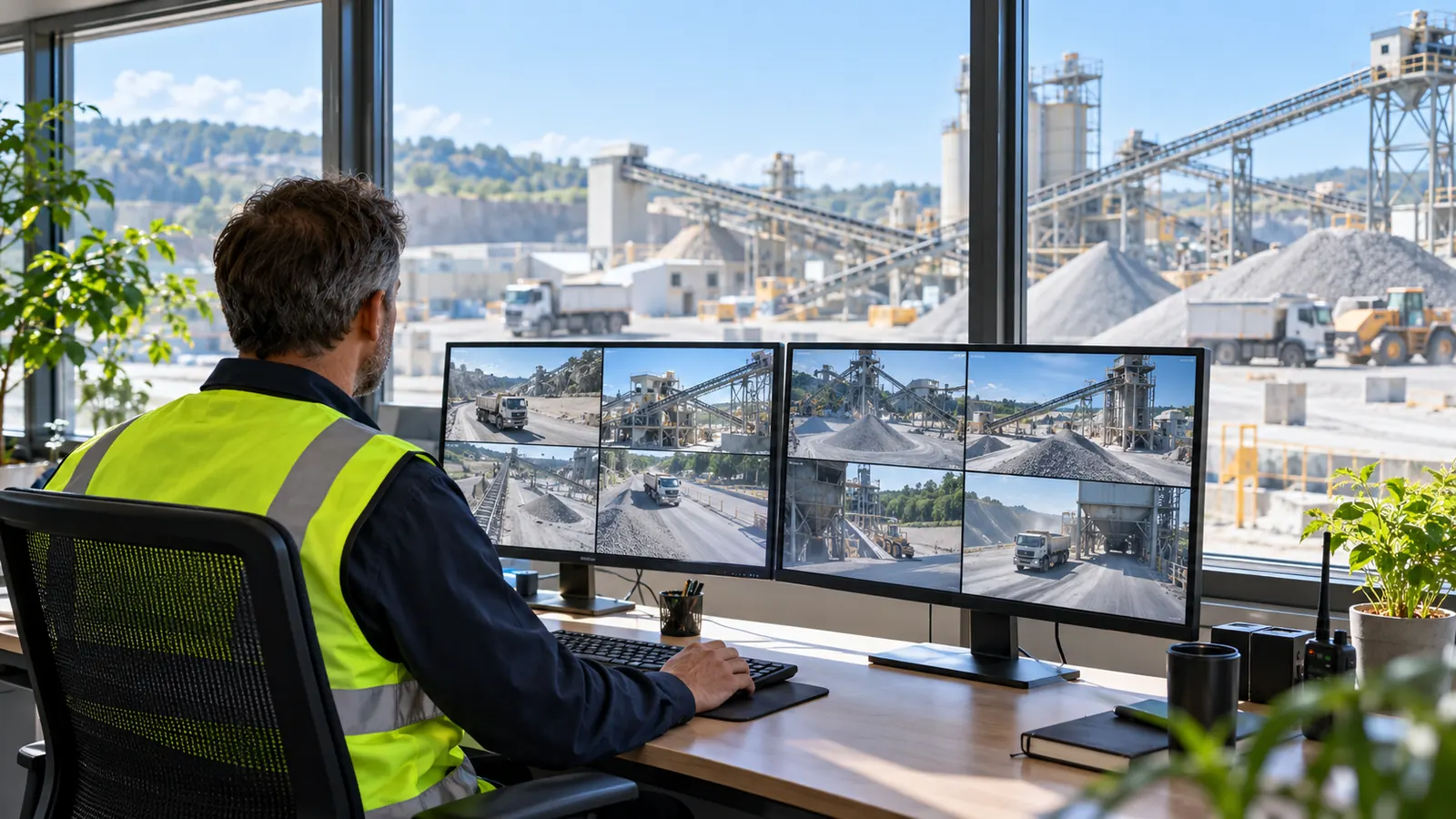
ONVIF and RTSP cameras, 24/7 recording, clips and timeline playback.
Read more
Rules and Automation
Rules, jobs, workflows and an AI assistant that writes them.
Read more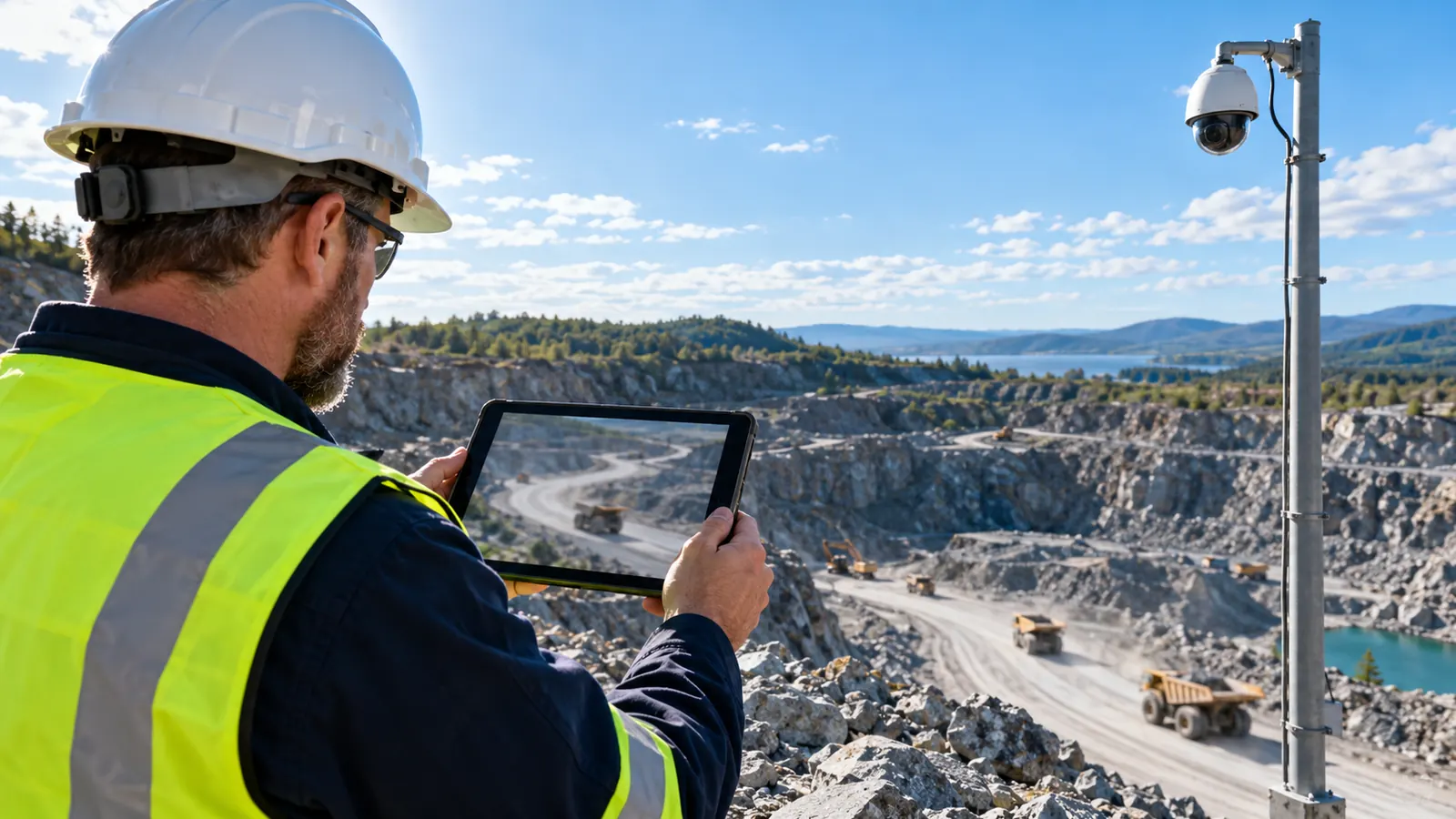
Live View
WebRTC straight from the site, relay only when needed, PTZ.
Read more
Security
Signed updates and config, sealed passwords, audited remote access.
Read moreShow Us One Camera. We Will Show You What AI Can See.
AI Vision Bots is available at selected sites. Send a short clip from your site and one sentence on the problem, and the VYROX AI team will tell you what a Detection could do there.