
When Something Happens, the Right Thing Follows.
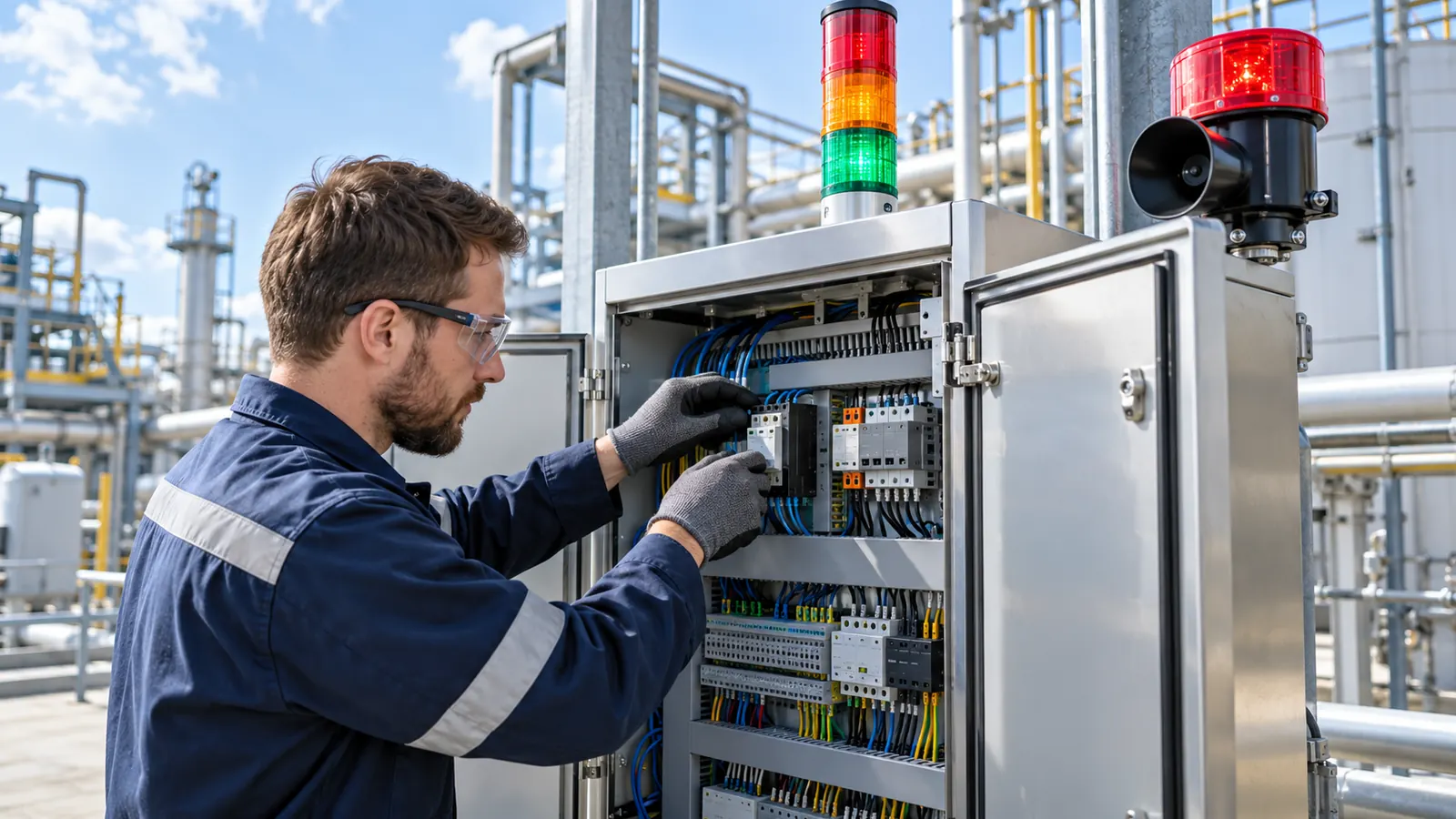
Rules watch the Detections on each camera and start jobs: tell a person, switch a relay, call another system or ask an AI model what it sees. The rule engine runs on the AI Vision Bot, so it keeps working offline.
What Can a Rule React To?
- Classes and confidenceA class above a threshold, on one camera or several.
- Zones and linesInside a zone, crossing a tripwire, staying longer than a dwell time.
- Counts and sequencesA count over a time window, or a sequence of states such as tipping then carryback.
- Schedules and healthWorking hours, camera offline, AI Vision Bot offline and model health.
- Cooldown and duplicatesA cooldown and duplicate removal stop one event from raising ten alerts.
# Person on the tipping pad while a truck is tipping
when    person in zone "Tipping Pad" for 2 s
and     truck state is tipping
cooldown 60 s
then    snapshot, clip 10 s before and 20 s after
        siren relay on for 15 s
        notify Shift Supervisor
        if not acknowledged in 5 min, notify Quarry Manager
Shown in plain words. Rules are saved as structured settings, checked on AiServa and again on the AI Vision Bot.
What Can a Rule Do?
Each rule runs jobs in order, with branches, delays, retries, timeouts, parallel steps and escalation.
Notify People
Email and push notifications with the snapshot, and escalation to the next person if nobody acknowledges.
Webhook and HTTP
Send the event to another system as it happens.
MQTT, Relay and IoT
Publish to MQTT, switch a relay or send an IoT command, such as a siren or a gate.
Record and Snapshot
Save a clip or a snapshot, move a PTZ camera to a preset, tag the event.
Counters
Add to a counter, such as trucks per hour or loads per shift.
Ask AI
Ask an AI model a question about the snapshot. The answer can feed the next step.
Scripts on the AI Vision Bot are restricted to Platform Admins, run in a sandbox with a time limit and are logged.
Can AI Build the Rules for Me?
Yes. Describe what you want in plain words, such as "warn the supervisor when someone stands on the tipping pad while a truck is tipping". The AI assistant proposes the rule with its jobs, you check it, and it is saved only after you confirm.
- Plan, confirm, applyNothing changes until a person confirms the plan.
- Built on a published schemaThe assistant reads the same rule schema and step catalogue the app checks against, so its rules are valid.
- Signed and syncedSaved rules join the signed configuration and reach the AI Vision Bot within seconds.
Can My Other Systems Use the Results?
Yes. Events, counters, snapshots, clips and settings can reach your own systems through AiServa, by webhook push or by reading new events in order. The connection is set up together with the VYROX AI team for each site.
- Events with snapshotsEach event carries the camera, the Detection, the class and a snapshot.
- CountersPer camera and class, by minute, hour and day, with CSV export and charts in AiServa.
- Clips on requestClips stay on site and are fetched when a person or system asks for them.

Rules and Automation: Short Answers.
What can trigger a rule?
A class above a confidence, a zone, a tripwire, dwell time, a count over time, a sequence of states, a schedule, or a camera, AI Vision Bot or model going offline.
What can a rule do?
Notify people, call a webhook, publish MQTT, switch a relay or send an IoT command, record a clip or snapshot, move a PTZ camera, add to a counter, tag the event, ask an AI model, or start another workflow.
Can AI write rules for me?
Yes. The AI assistant turns a plain language request into a rule and its jobs. A person confirms before it is saved.
Do rules work without internet?
Yes. The rule engine runs on the AI Vision Bot. Jobs that need the internet wait in a queue and run when it returns.
Is there escalation?
Yes. If nobody acknowledges an alert in a set time, the workflow moves on to the next contact.
Keep Exploring
Cameras and NVR
ONVIF and RTSP cameras, 24/7 recording, clips and timeline playback.
Read more
Detections and Models
Trained models with their classes, on the bot or on AiServa.
Read more
Live View
WebRTC straight from the site, relay only when needed, PTZ.
Read more
Security
Signed updates and config, sealed passwords, audited remote access.
Read moreShow Us One Camera. We Will Show You What AI Can See.
AI Vision Bots is available at selected sites. Send a short clip from your site and one sentence on the problem, and the VYROX AI team will tell you what a Detection could do there.