
High View Parking Bay Count
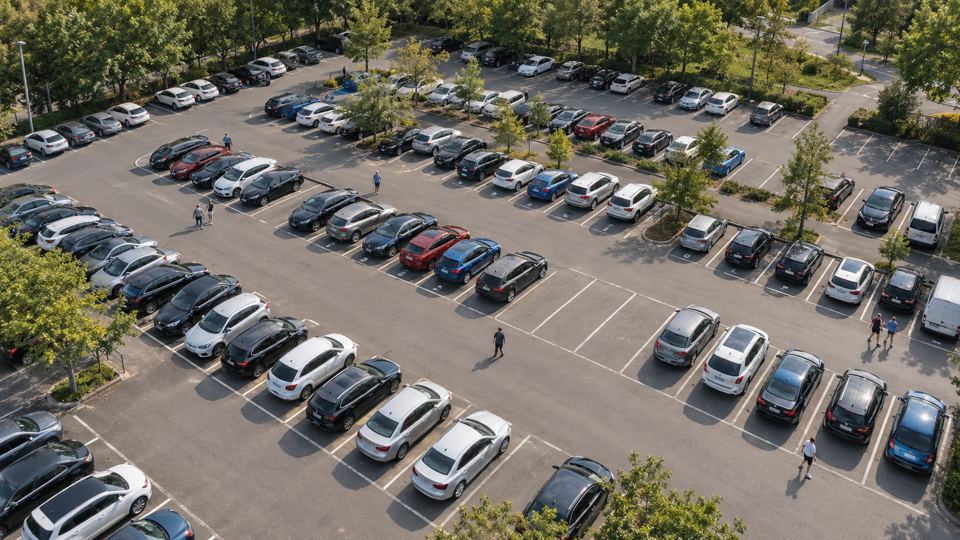
Many bays covered by one camera. Counts free and taken bays per row and per level.
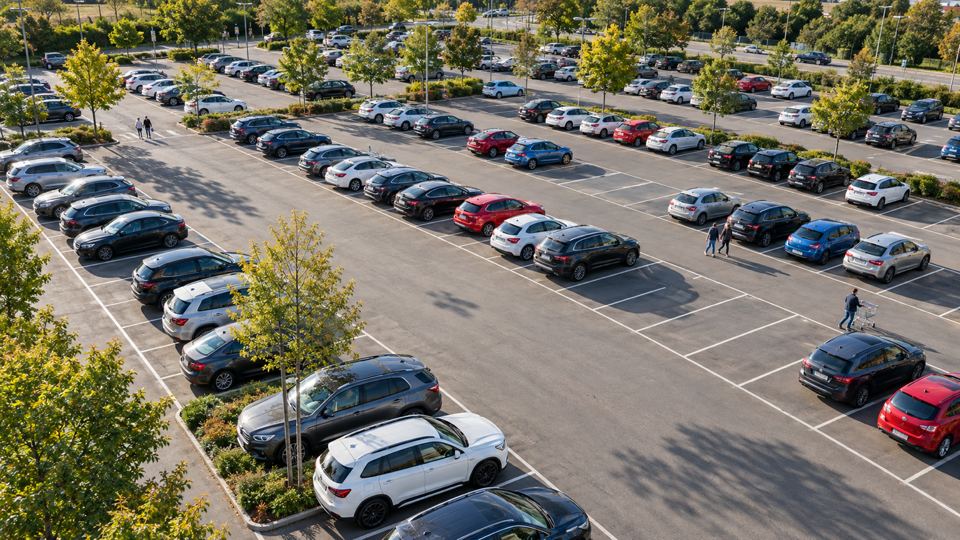
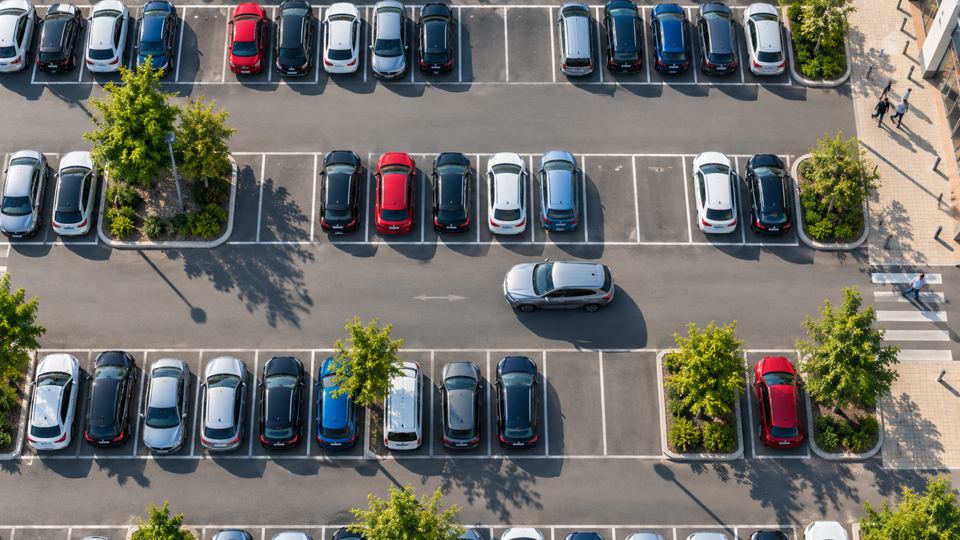

 Photo 1 of 4
How Does AI Handle High View Parking Bay Count?
Drag to orbit, right drag or two fingers to pan, scroll or pinch to zoom. The boxes, IDs and readings come from the simulation.
- 01Detect
Detects every car from one high pole or rooftop camera.
- 02Recognize
Matches each car to a drawn bay polygon.
- 03Analyze
Counts free and taken bays per row and per level.
- 04Process
Confirms a change for a few seconds before it updates the count.
- 05Inform
Feeds signs, a live bay map, counts per hour and the API.
What the AI Detects
VYROX engines: VYROX HawkEye, bay map
How It Runs With AI Vision Bots
The model runs as a Detection on a camera, on the AI Vision Bot at your site or on AiServa. Rules turn its events into notifications, webhooks, MQTT or relay commands, with a snapshot and a clip for every event.
High View Parking Bay Count: Short Answers.
What does AI detect in high view parking bay count?
The classes for this use case are Car, Free Bay, Taken Bay, Person. Detects every car from one high pole or rooftop camera.
How does high view parking bay count help?
Many bays covered by one camera. Feeds signs, a live bay map, counts per hour and the API.
Is the 3D demo real model output?
No. The 3D demo is a simulation made to explain the use case. On a real site the model is trained and tested on your own footage first.
Show Us One Camera. We Will Show You What AI Can See.
AI Vision Bots is available at selected sites. Send a short clip from your site and one sentence on the problem, and the VYROX AI team will tell you what a Detection could do there.